In Your QR Code OperationsQR Code Operations
Scan QR codes instantly, create your own, and securely store your history on your device.
on Google Play and App Store
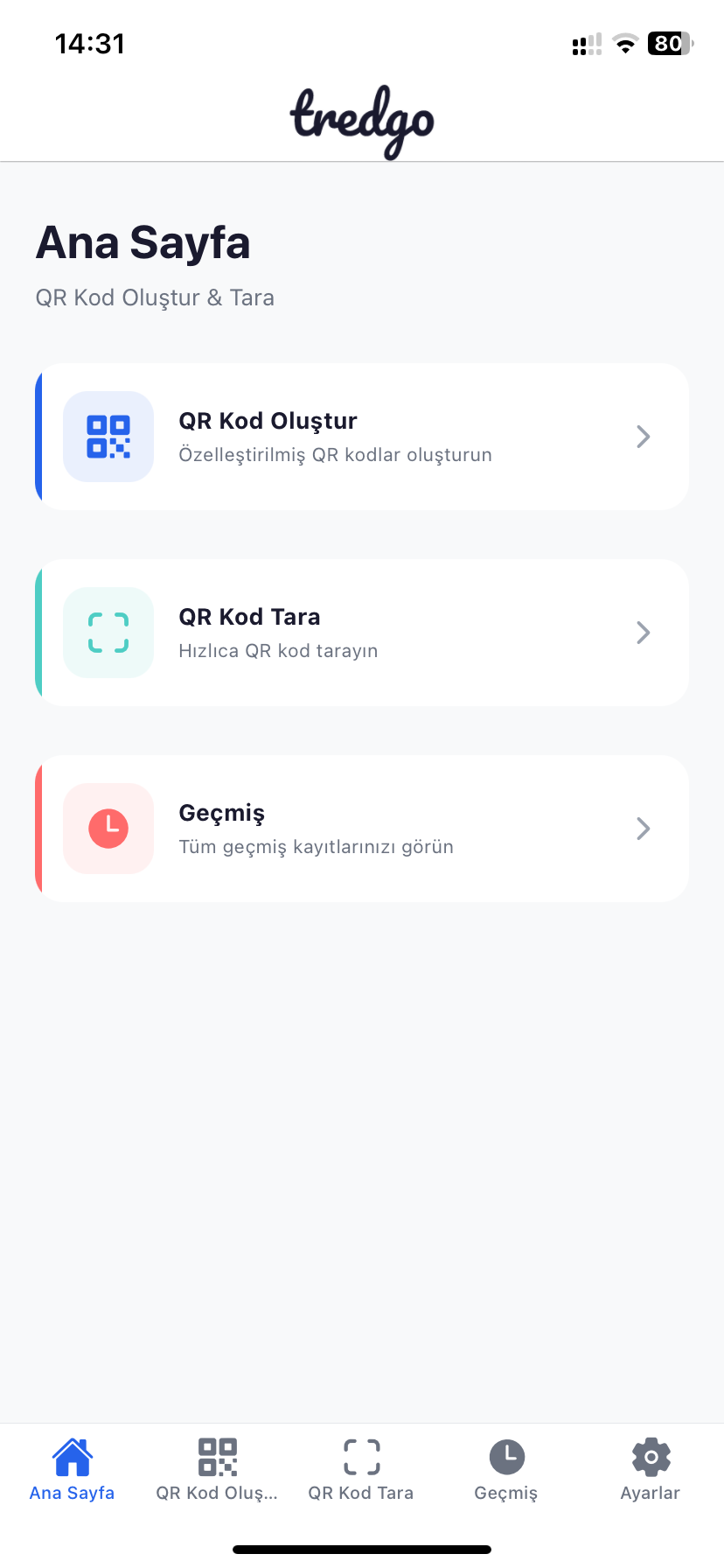
Create QR in Seconds
Multi-Format Support (URL, Text, WiFi)
Offline Work
QR History (Save and Reuse)
Features
Everything in One App
Instant Scan
Scan any QR code or barcode in seconds using your camera.
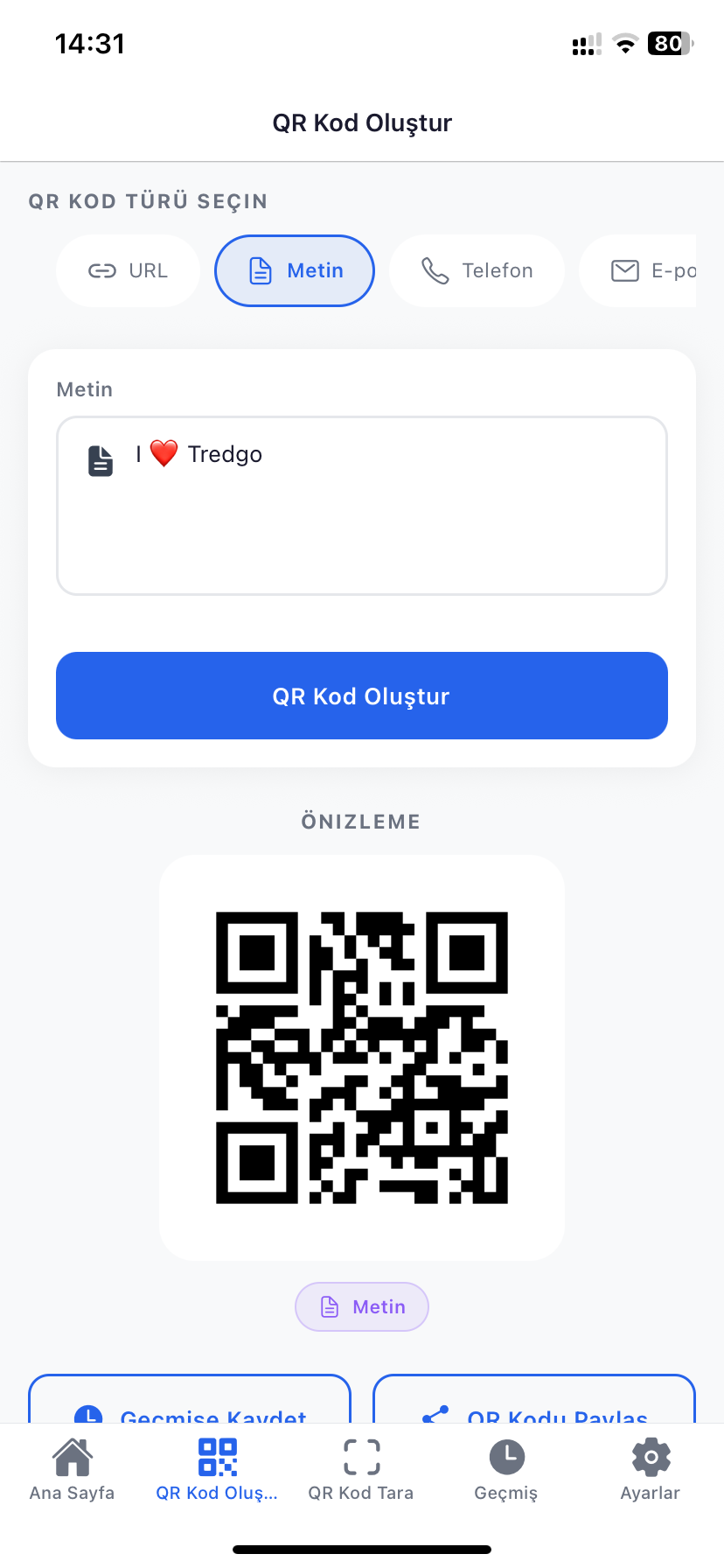
Create QR Codes
Generate your own QR codes for text, links, contacts, and more.
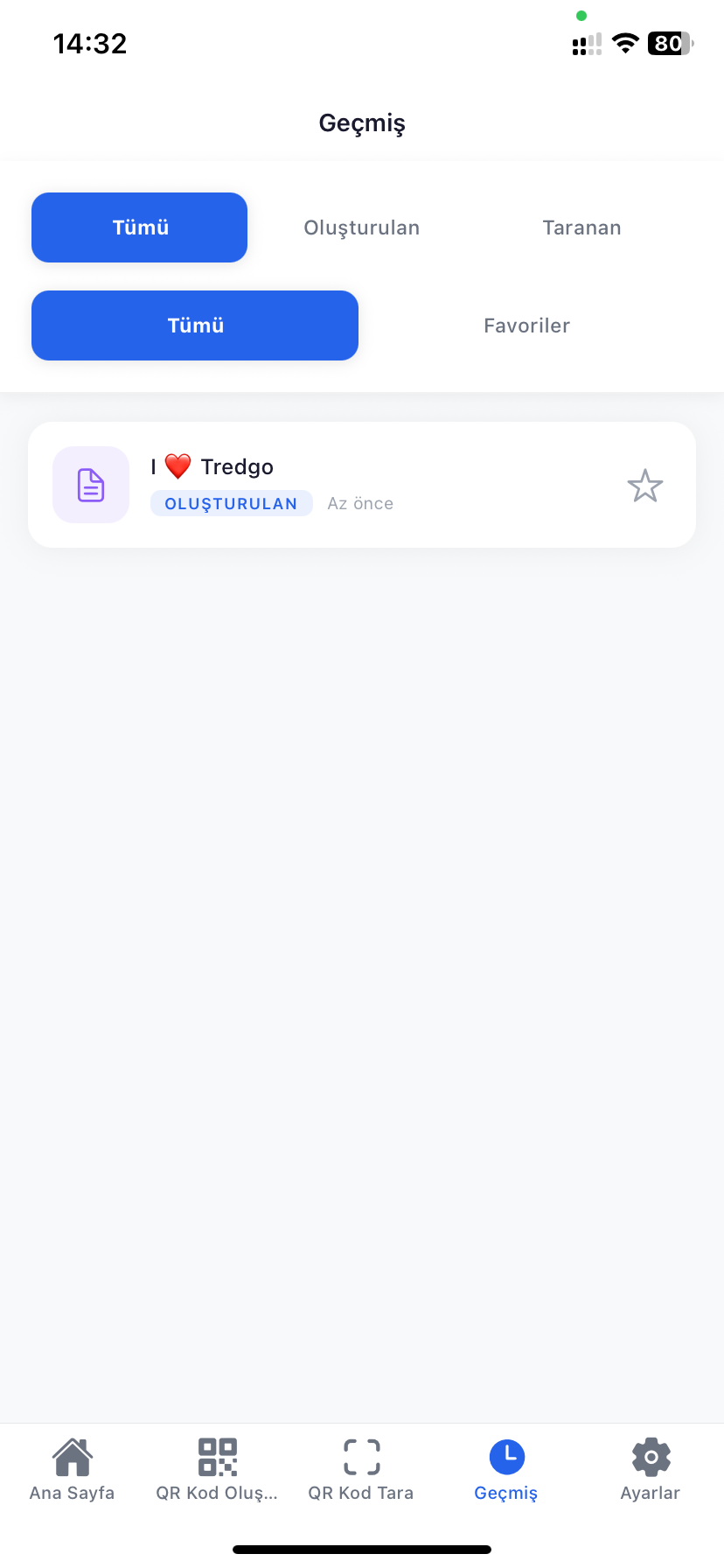
Scan History
All your scans and creations are securely saved on your device for easy access.
Offline Use
Perform basic scanning and creation without an internet connection.
User Friendly
Simple, modern, and intuitive interface suitable for all ages.
Secure and Private
Your data is never sent to servers; it stays solely on your device.
How It Works?
Very Easy to Use
Open the App
Grant camera permissions and be ready to scan in seconds.
Scan or Create
Point your camera at a QR code or type content to generate a new one.
Share and Save
Share results instantly or access your stored data later.
App Screenshots
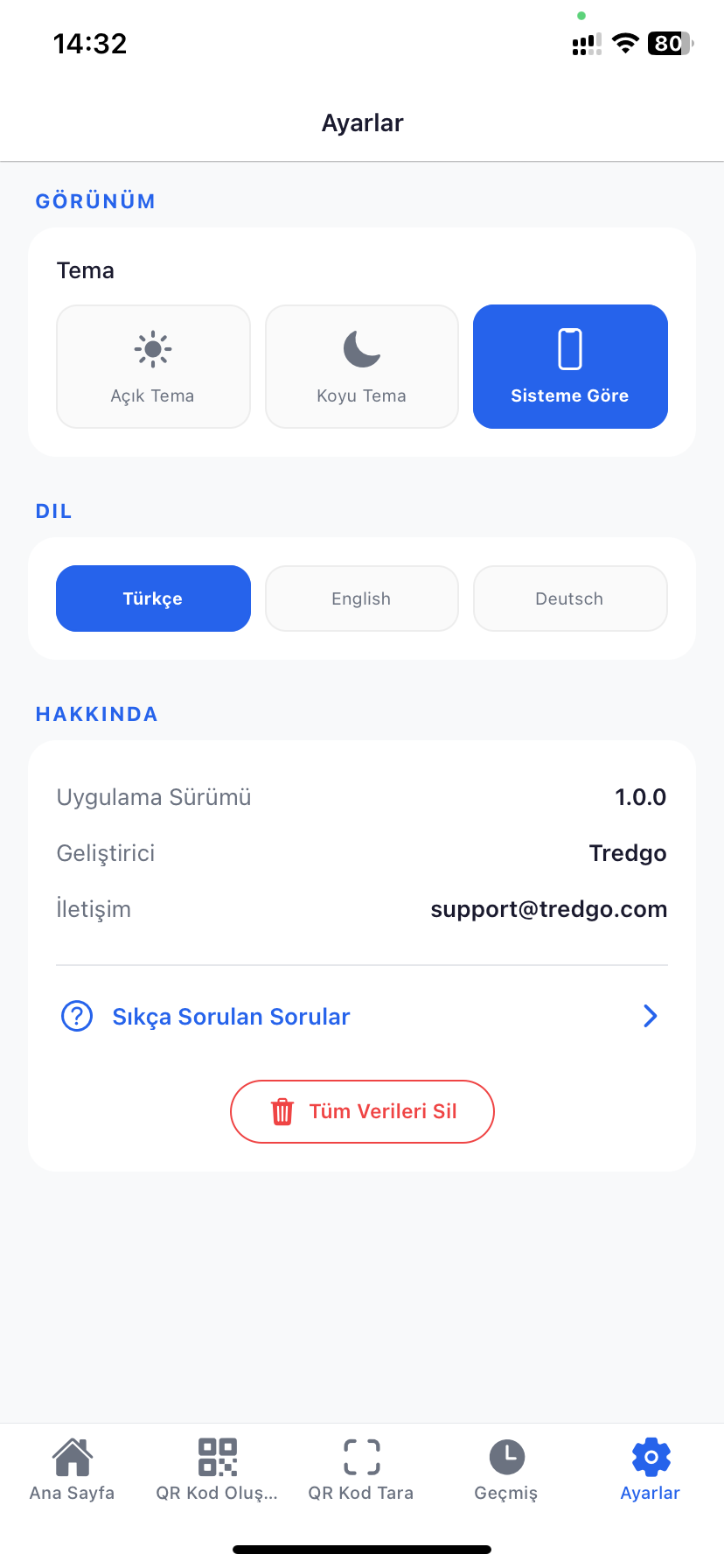
Explore the Interface
The simple and fast interface of the QR Scanner app
Frequently Asked Questions
Things you wonder about QR Scanner
Is the app free?
Is internet connection required?
Is my data safe?
Which formats does it support?
Couldn't Find What You Were Looking For?
If the information wasn't enough, you're experiencing an issue, or have a suggestion for us, please don't hesitate to contact us.
Contact Us