Focusly
Focusly

Elevate Your Focus,Master Your Time

Beat procrastination with a smart Pomodoro timer, weekly task planner, and deep productivity analytics. Level up as you hit your goals.
GET IT ON
Google Play
Smart Pomodoro & Zen ModeWeekly Task PlannerDeep Productivity Analytics
Focusly Screenshot
Scroll down for more
Focusly Score

Score your focus out of 100, track your daily growth.

Level Up As You Focus

Earn XP, keep your streak, and unlock achievements.

Plan Your Week in One Place

Organize tasks, subtasks, and priorities with ease.

Discover Your Productivity

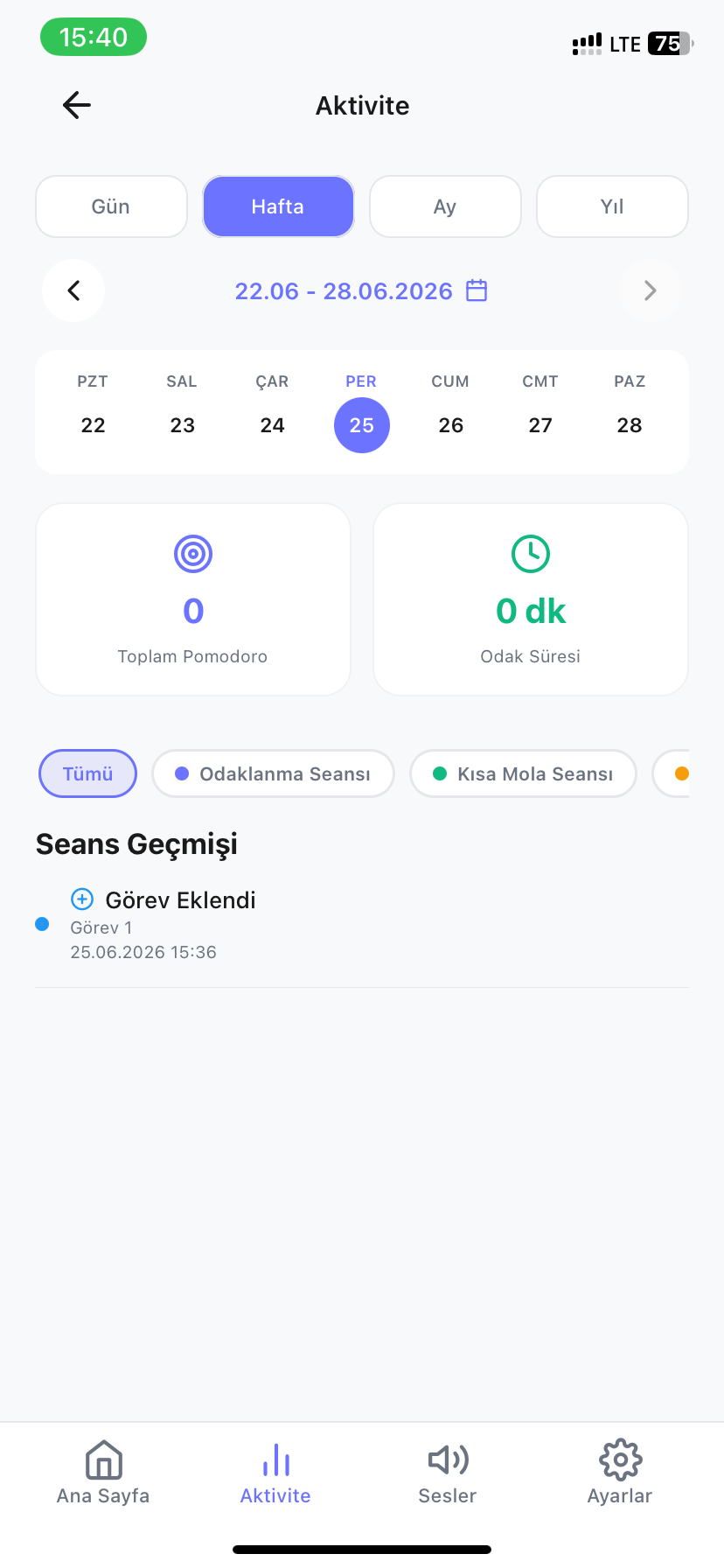
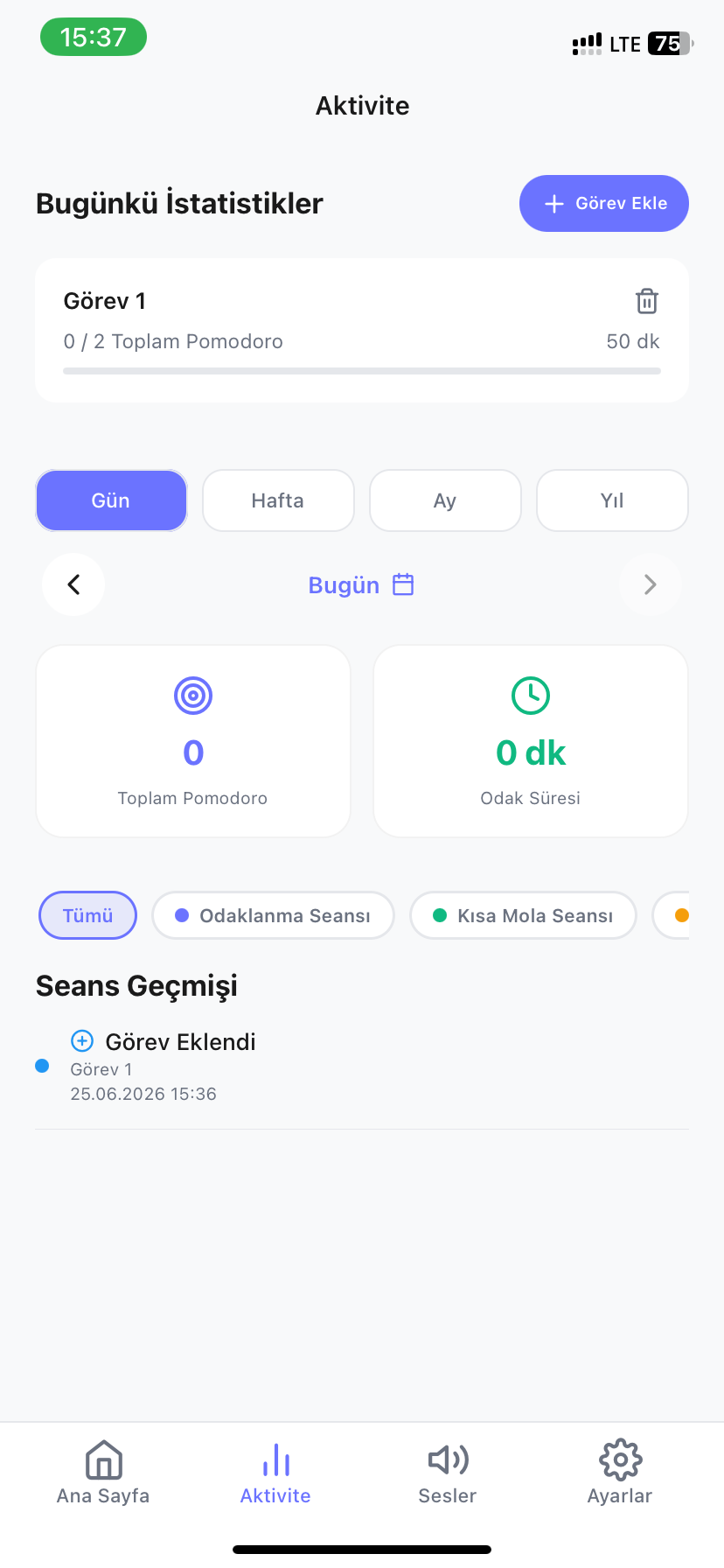
See progress with heatmaps, trends, and deep analytics.

Key Features

Key Features

A Complete Toolkit for Work, Study, and Time Management

Timer & Modes

Advanced Focus Timer

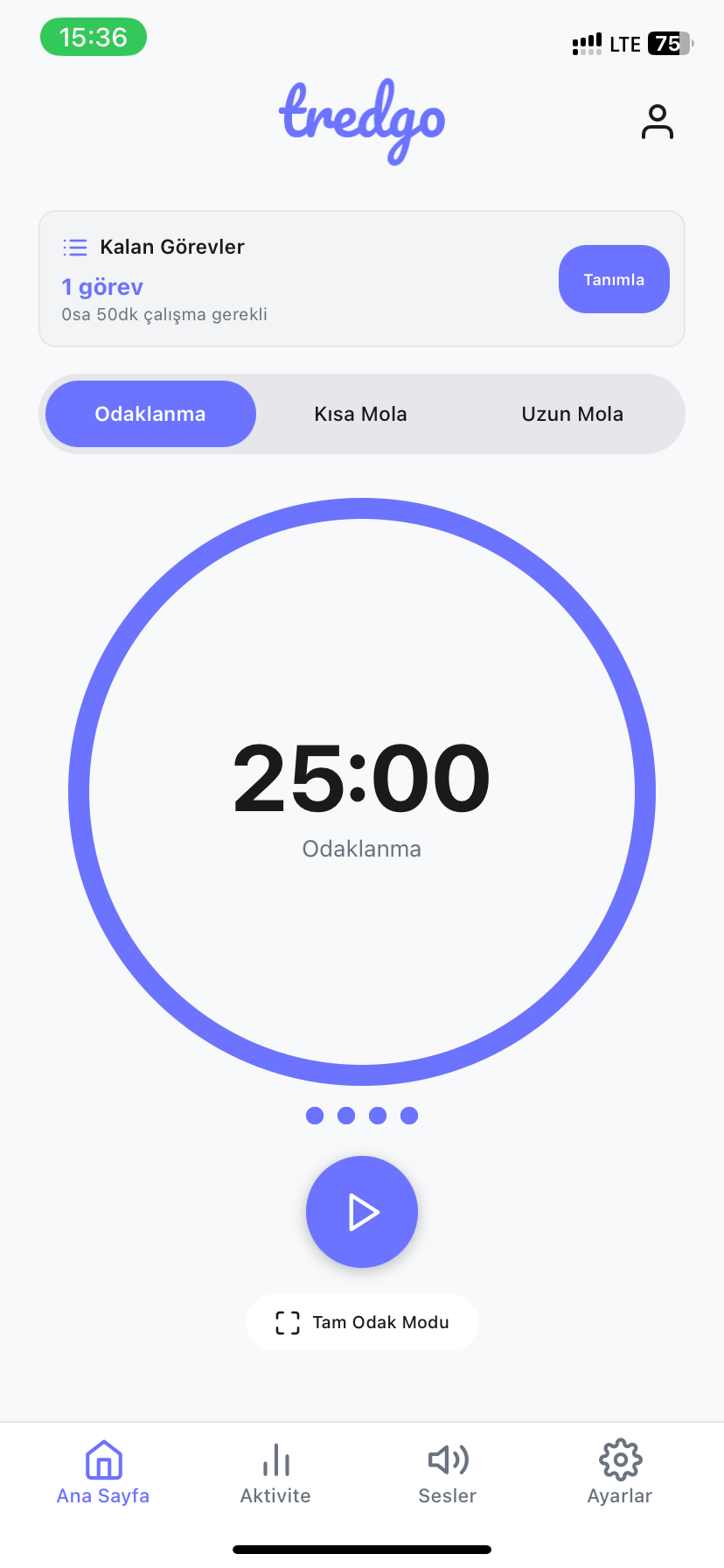
Pomodoro, count-up, and stopwatch modes. Switch to Desk Clock or Zen Mode to silence all distractions.

Pomodoro, Count-Up & Stopwatch
Landscape Desk Clock Mode
Distraction-Free Zen Mode
5 Aesthetic Clock Faces
Weekly Kanban

Weekly Task Planner

Distribute tasks across days, drag-and-drop seamlessly, and clarify your priorities with smart sorting.

7-Day Visual Planning
Drag & Drop Kanban
Smart Priority Sorting
Subtask Checklists
Gamification

Level Up & Keep Streaks

Earn XP for every session, reach Level 100, unlock prestigious titles, and build an unbreakable daily streak.

Levels 1-100 & XP System
10 Prestigious Titles
Daily Streak Tracker
Marathon Milestone Badges
Analytics

Deep Analytics & Score

A 100-point holistic Focusly Score, GitHub-style activity heatmaps, and weekly growth trend reports.

100-Point Focusly Score
Annual Activity Heatmap
Weekly Growth Trends
Category Time Breakdown
Aesthetics

Sleek Design & Sounds

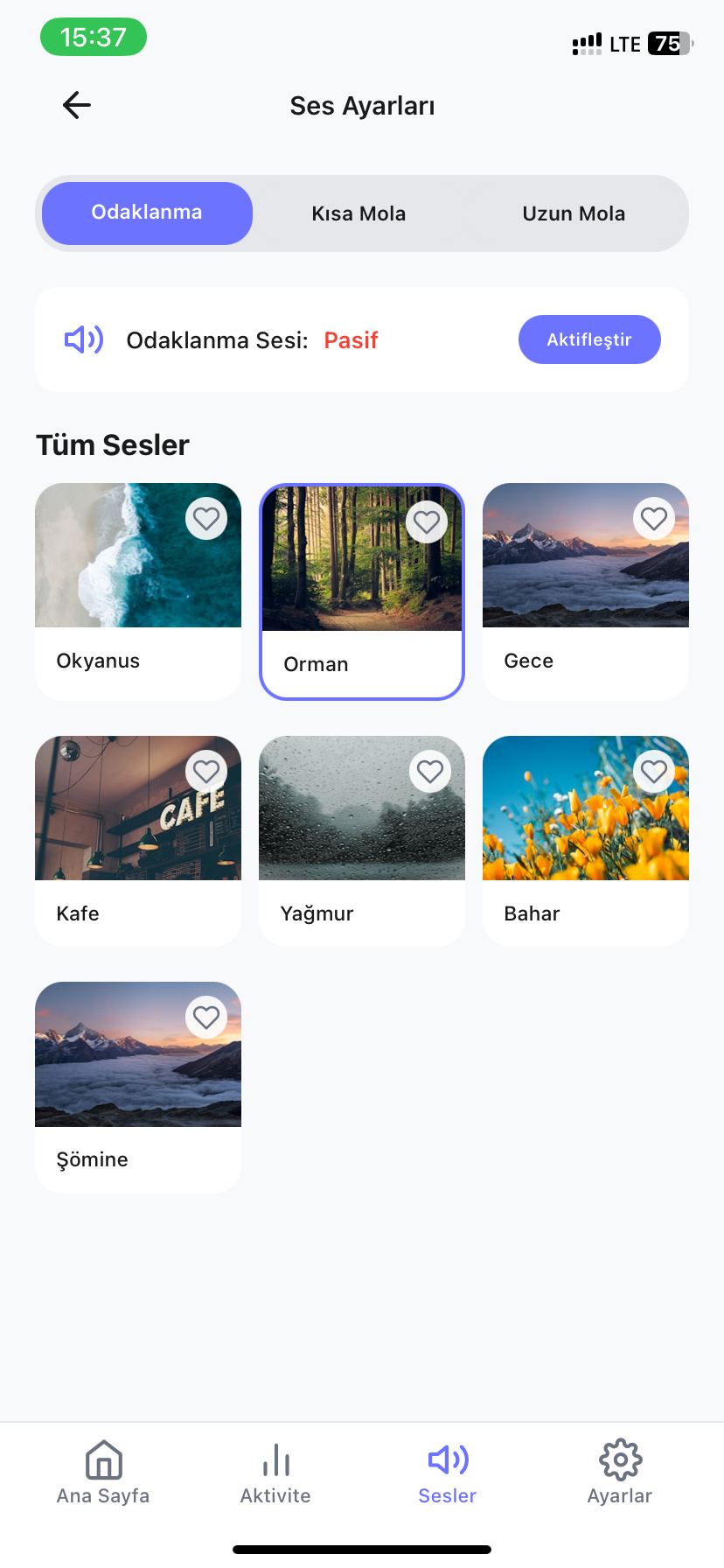
Work alongside soothing rain, ocean, and forest soundscapes. Share your milestones with designer report cards.

Ambient Nature Sounds
Custom Photo Wallpapers
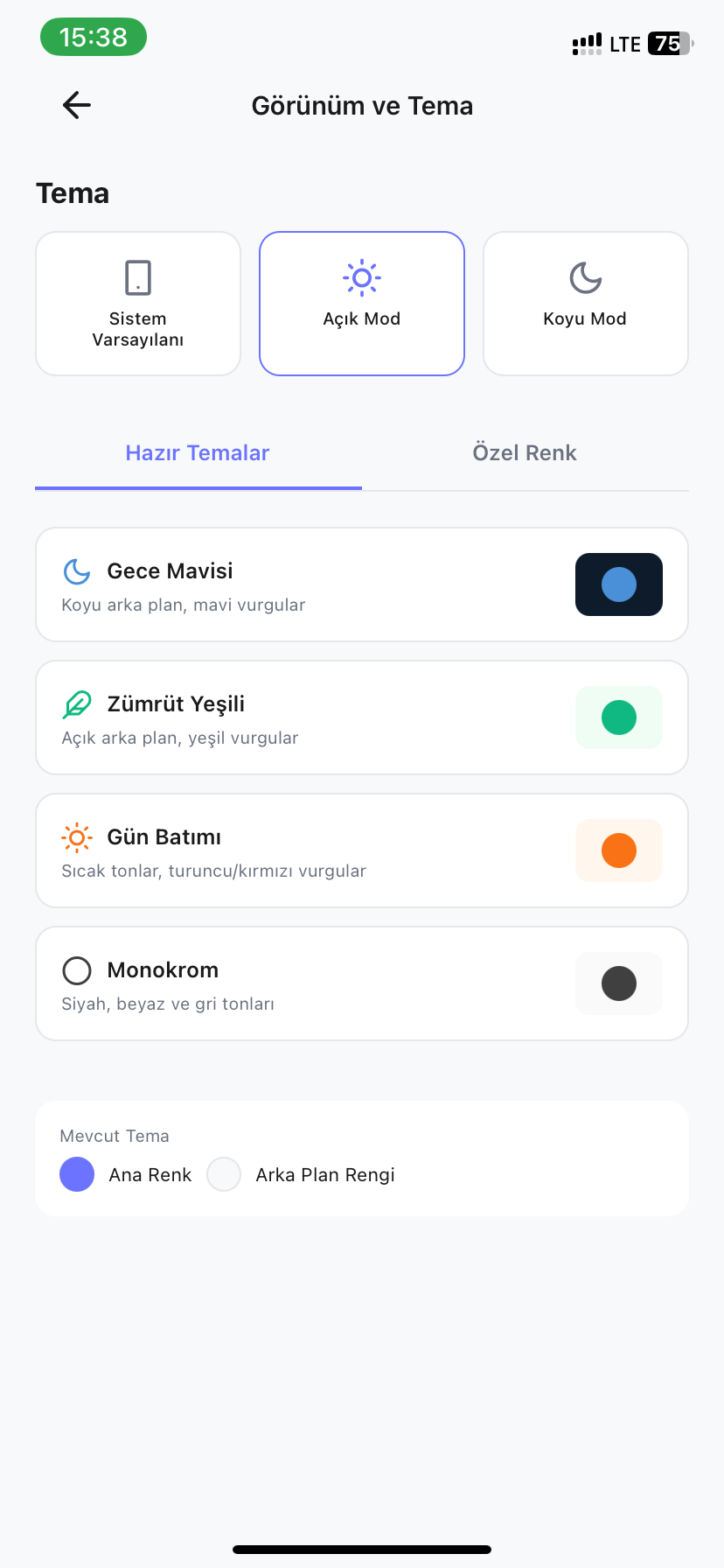
Dynamic Color Palettes
8 Shareable Report Themes
Local-First

100% Offline & Private

No sign-up, no accounts. All personal data is safely kept inside your local SQLite database on your device.

Instant Account-Free Access
100% Offline Capability
On-Device SQLite Database
Zero Tracking Telemetry
Productivity & Progress

Holistic Focusly Score & Deep Analytics

Stop guessing where your time goes. Uncover your peak workflow with activity heatmaps, category breakdowns, and a 100-point holistic score.

01

100-Point Focusly Score

Combines planning discipline, session completion rate, and daily consistency into a single holistic score.

02

Annual Activity Heatmap

Visualizes your daily work intensity over recent months, transforming consistency into a tangible habit.

03

Category Time Distribution

Pinpoints exactly how your hours are divided between study, software, work, and personal projects.

04

Weekly Growth & Trends

Compares your progress week-over-week and reveals your most productive days and peak focus hours.

App Screenshots

Explore the Interface

The dynamic, sleek, and motivating interface of Focusly
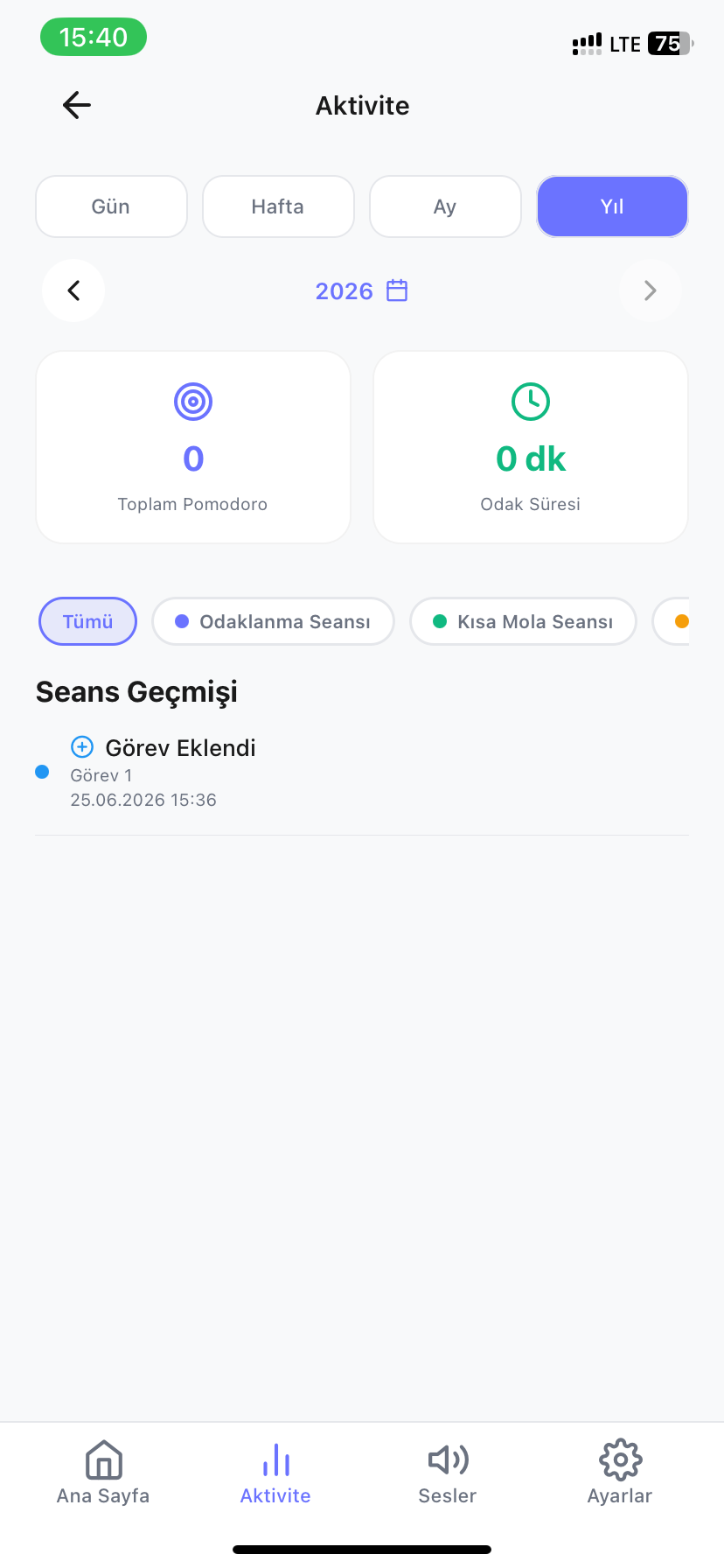
focus screen 1
focus screen 2
focus screen 3
focus screen 4
focus screen 5
focus screen 6
focus screen 7
focus screen 8
focus screen 9
focus screen 10
focus screen 11
focus screen 12

Download the app soon

GET IT ON
Google Play

The app is completely free

How It Works?

Deep Focus in Three Simple Steps

1

Plan

Add your tasks to your weekly board and set your priorities.

2

Focus

Start the Pomodoro timer and immerse with ambient sounds.

3

Level Up

Earn XP, maintain your streak, and elevate your Focusly score.

Frequently Asked Questions

Quick answers about Focusly

Is Focusly completely free? Does it contain ads?
Yes, all core and advanced features of Focusly are completely free. It contains no disruptive banner or video ads that could break your concentration or workflow.
Does it work offline without an internet connection?
Yes, Focusly is 100% offline-first. All timers, weekly tasks, and analytics are saved directly in your device's local SQLite database, with zero internet connection required.
Do I need to create an account or sign up?
No registration, email, or password is required. You can begin focusing the very second you download and open the app.
What timer modes are available besides classic Pomodoro?
Focusly provides 3 distinct timing modes: 1) Classic Pomodoro (countdown with customizable focus and break intervals), 2) Free Flow (count-up for uninterrupted deep sessions), and 3) Stopwatch (quick time tracking).
Can I customize focus and break durations?
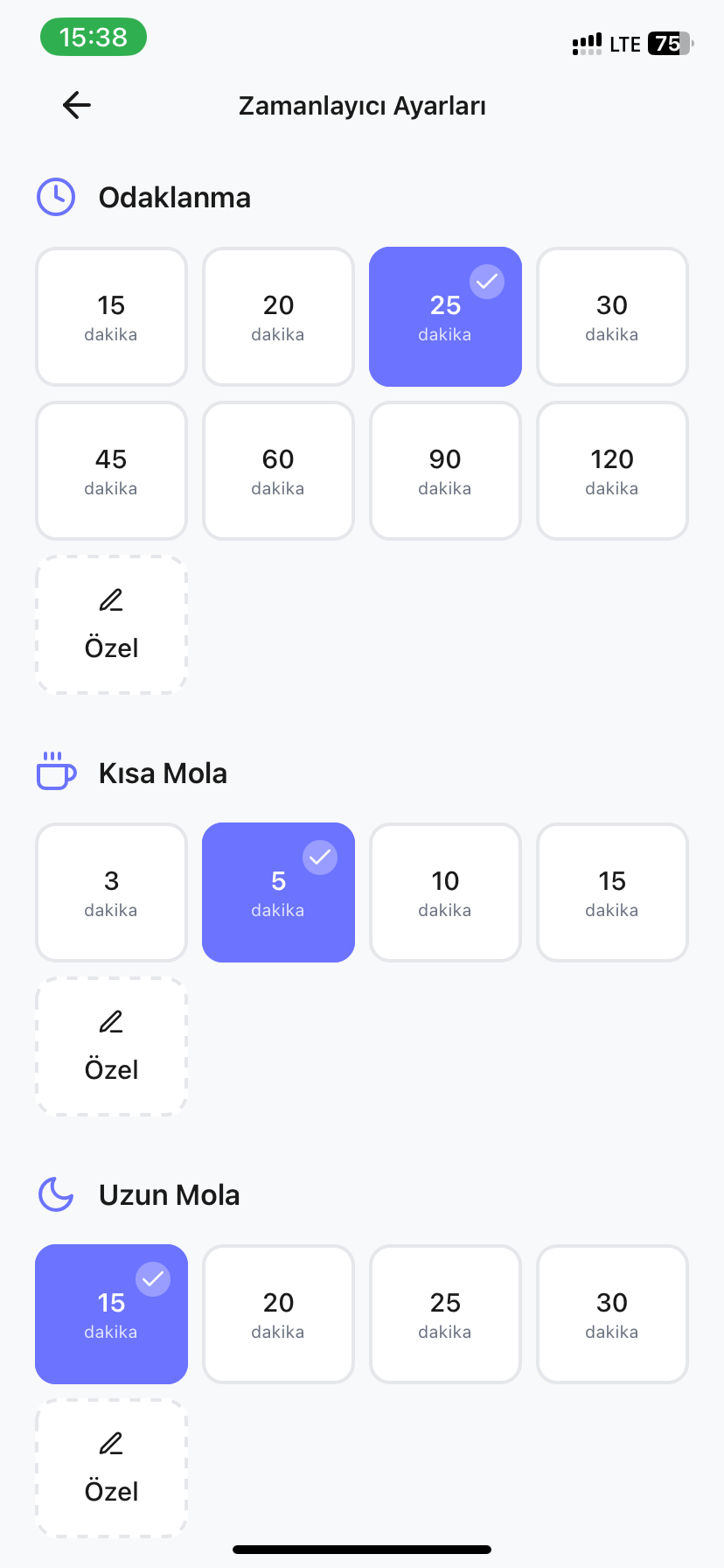
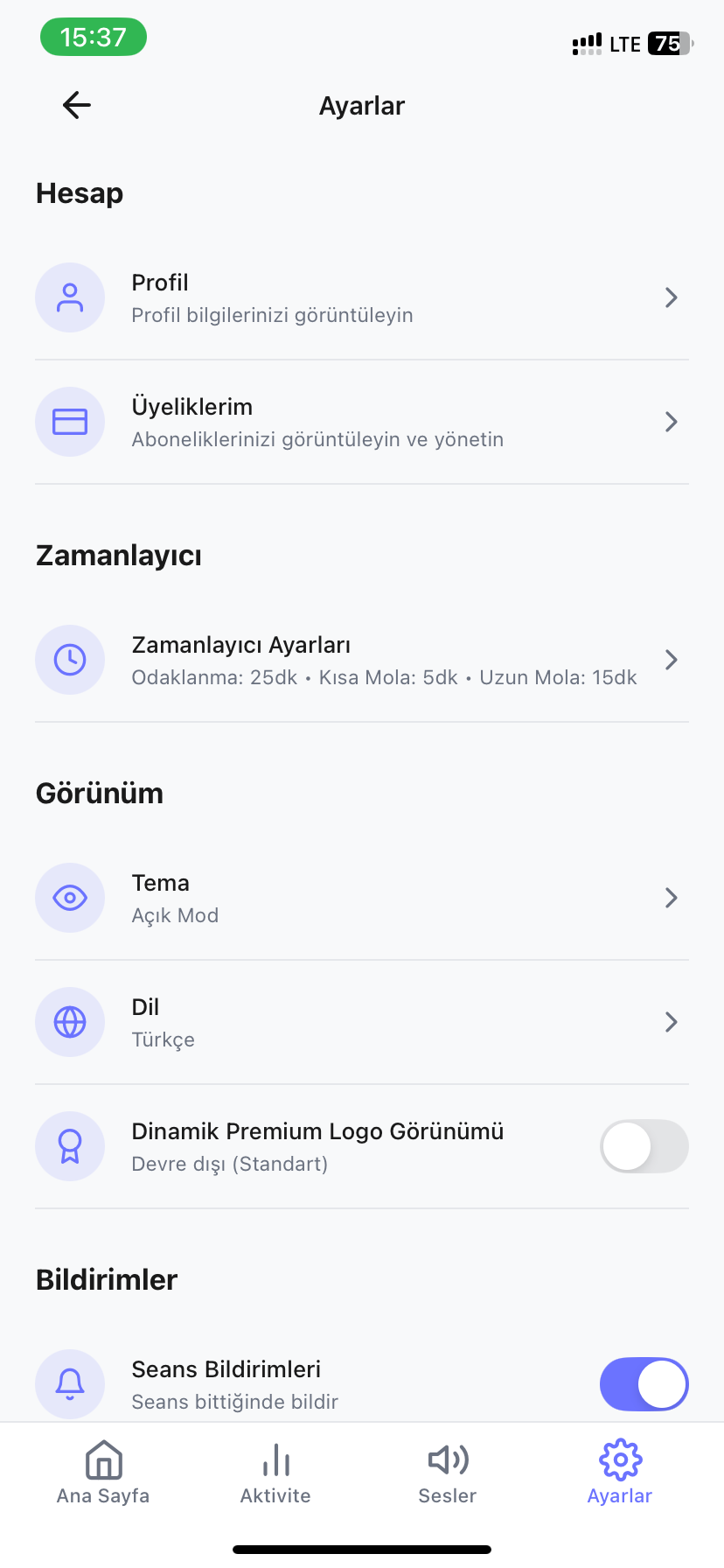
Yes. Focus session duration, short break, long break length, and long break intervals can be freely customized to match your exact workflow and pace.
How do Desk Clock and Zen Mode work?
Rotating your phone horizontally automatically turns Focusly into a sleek desk clock. Toggling Zen Mode hides all buttons and interface elements, displaying only the timer to keep you distraction-free.
What is the Focusly Score and how is it calculated?
The Focusly Score is a holistic 100-point productivity metric. It analyzes your daily focus time, planning discipline, session completion rate, and streak consistency.
How does the XP and leveling system work?
Every completed focus session and finished task awards Experience Points (XP). As you accumulate XP, you progress from Level 1 up to Level 100, unlocking prestige titles and achievement badges.
What is a daily streak and how do I keep it?
Completing at least one focus session each day advances your streak counter. Keeping the chain unbroken helps you build and sustain long-term productive habits.
How does the Weekly Task Planner work?
You can plan your entire 7-day schedule from Monday to Sunday, color-code tasks, reschedule them using drag-and-drop, and sort by smart priority levels.
Can I add subtasks or checklists to my tasks?
Yes. You can break down complex assignments into clear, manageable subtasks and check them off step by step as you make progress.
Do ambient nature sounds use internet data?
No. High-quality relaxing sounds—such as rain, ocean waves, forest ambience, and campfire—are built directly into the app and play completely offline.
Can I customize background photos and theme colors?
Yes. In addition to light, dark, and midnight blue color themes, you can pick any custom photo from your device's photo gallery as your timer background.
What do the activity heatmap and category charts show?
The GitHub-style annual heatmap visualizes your daily consistency over the year. Category distribution charts show exactly how much time you dedicate to study, coding, work, or personal projects.
Can I share my focus achievements and reports?
Yes! You can generate sleek shareable report cards in 8 unique visual styles showing your completed sessions, streaks, and score to share with friends or on social media.
Is my data private and secure?
Your data is 100% private. Everything stays securely inside your phone's local SQLite database. We do not track you, and no data is ever uploaded to external servers.

Couldn't Find What You Were Looking For?

If the information wasn't enough, you're experiencing an issue, or have a suggestion for us, please don't hesitate to contact us.

Contact Us