
Scan Documents,Master QR & Barcodes
Digitize paper paperwork into multi-page PDFs in seconds. Scan QR codes & barcodes instantly, and generate custom QR codes in 8+ formats.
Up to 20 Pages per Document
Fast QR & Barcode Scan
Safe Link Verification
Export QR as PNG
Easily Digitize Your Paper Documents
Scan paper documents, notes, invoices, receipts, and other paperwork with your phone camera. Keep your documents organized for daily life, work, education, or personal needs.
Create Custom QR Codes for All Your Needs
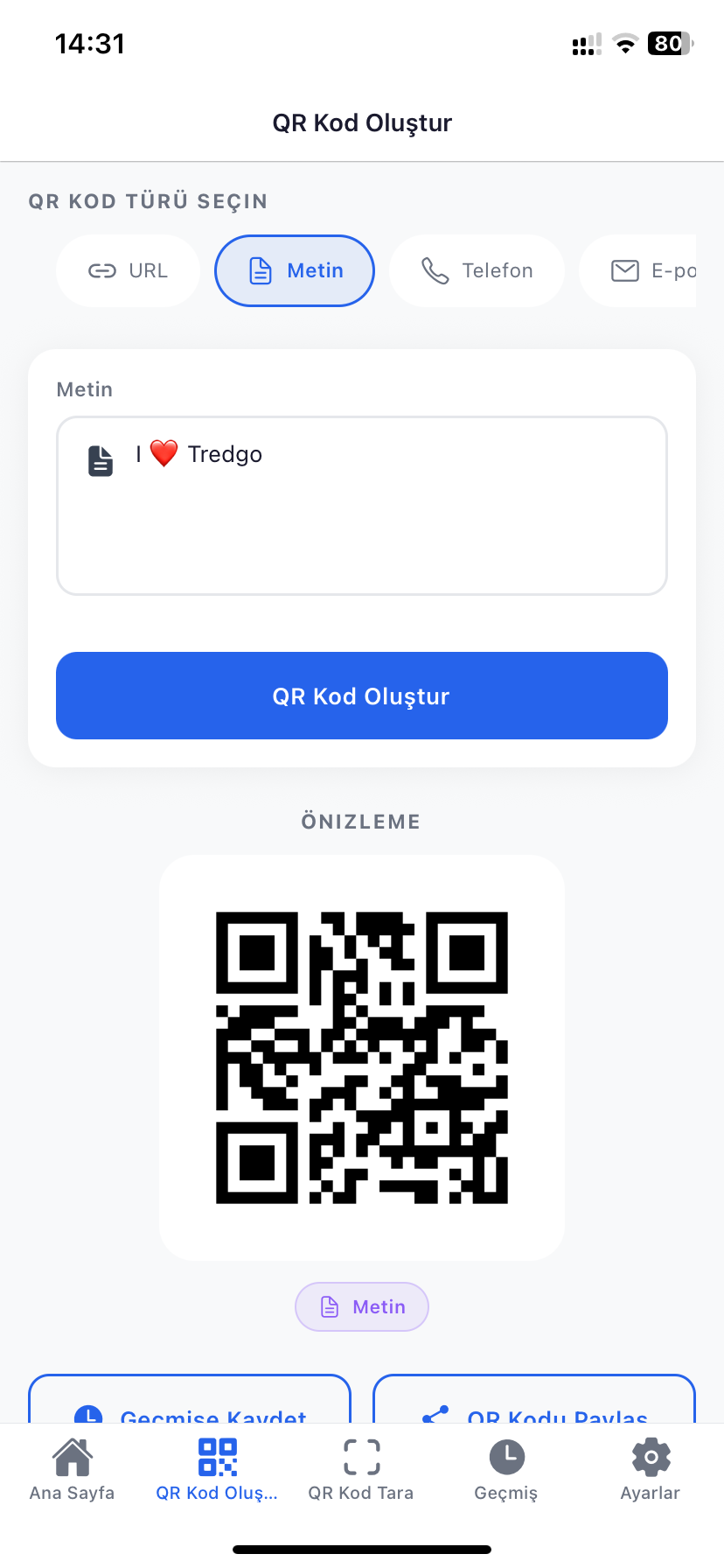
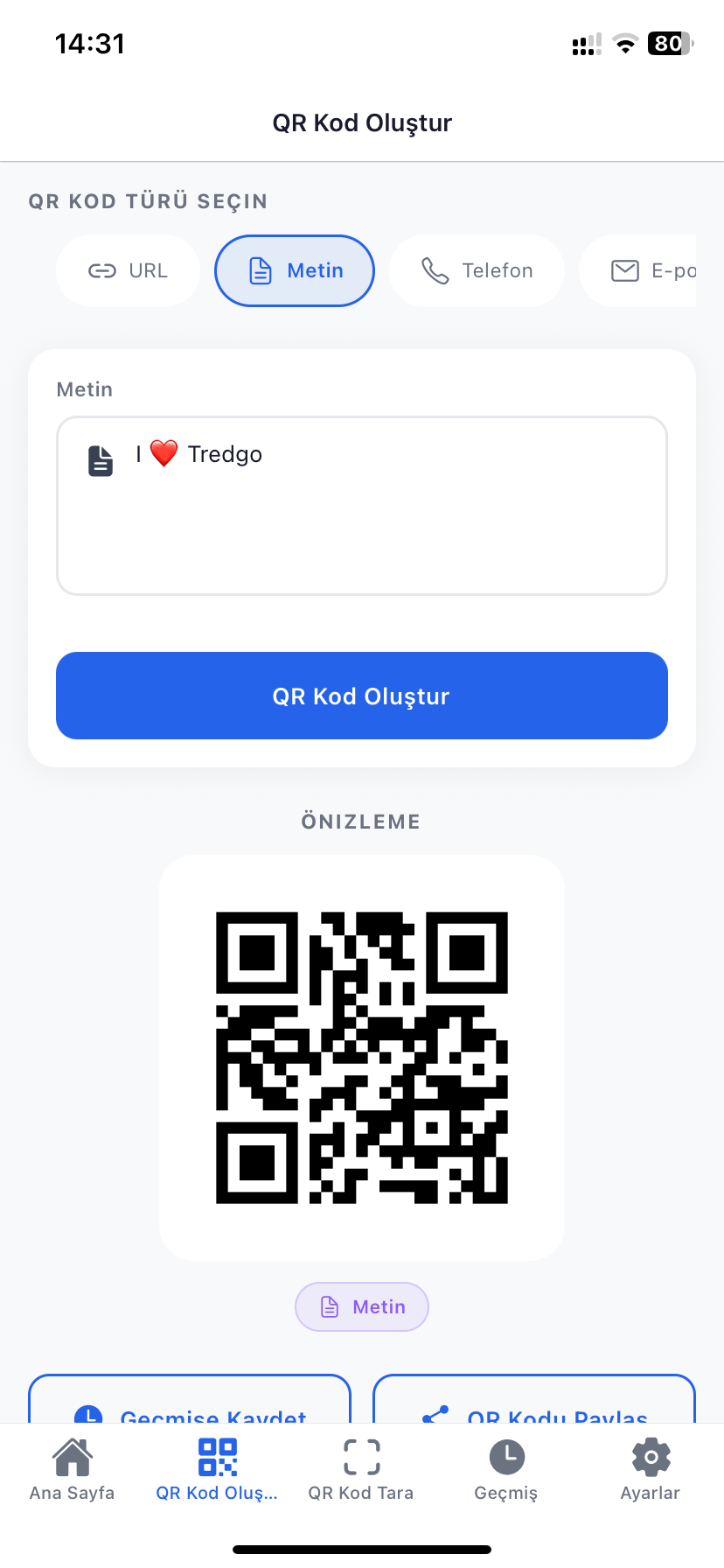
Select your preferred content type and generate QR codes instantly. Save your generated codes as PNG images to your device or share with other applications.
URL
Website links
Text
Plain text messages
Wi-Fi
Wireless network credentials
Phone
Quick phone dialer
SMS
Pre-filled text messages
Direct email dispatch
Location
Map & GPS coordinates
Contact Card (vCard)
Contact book card
All Capabilities
Everything in One App
Multi-Page Document Scanning
Scan paper documents, invoices, and receipts. Merge up to 20 pages into a single document and archive them digitally.
QR & Barcode Scanning
Scan QR codes and product barcodes such as EAN and Code 128 in seconds. Use flashlight support for clear reading even in the dark.
Scan QR from Gallery
Read QR codes directly from images and screenshots in your gallery without opening the camera.
Rich QR Code Generator
Create QR codes for URL, Text, Wi-Fi, Phone, SMS, Email, Location, and vCard; save as PNG or share directly.
Safe QR Scanning
Inspects web links before opening and warns you about potential risks, ensuring safer and controlled navigation.
Product & Batch Barcode Operations
Scan product barcodes to identify items faster. Use batch scanning to read multiple products consecutively with ease.
Scan History & Favorites
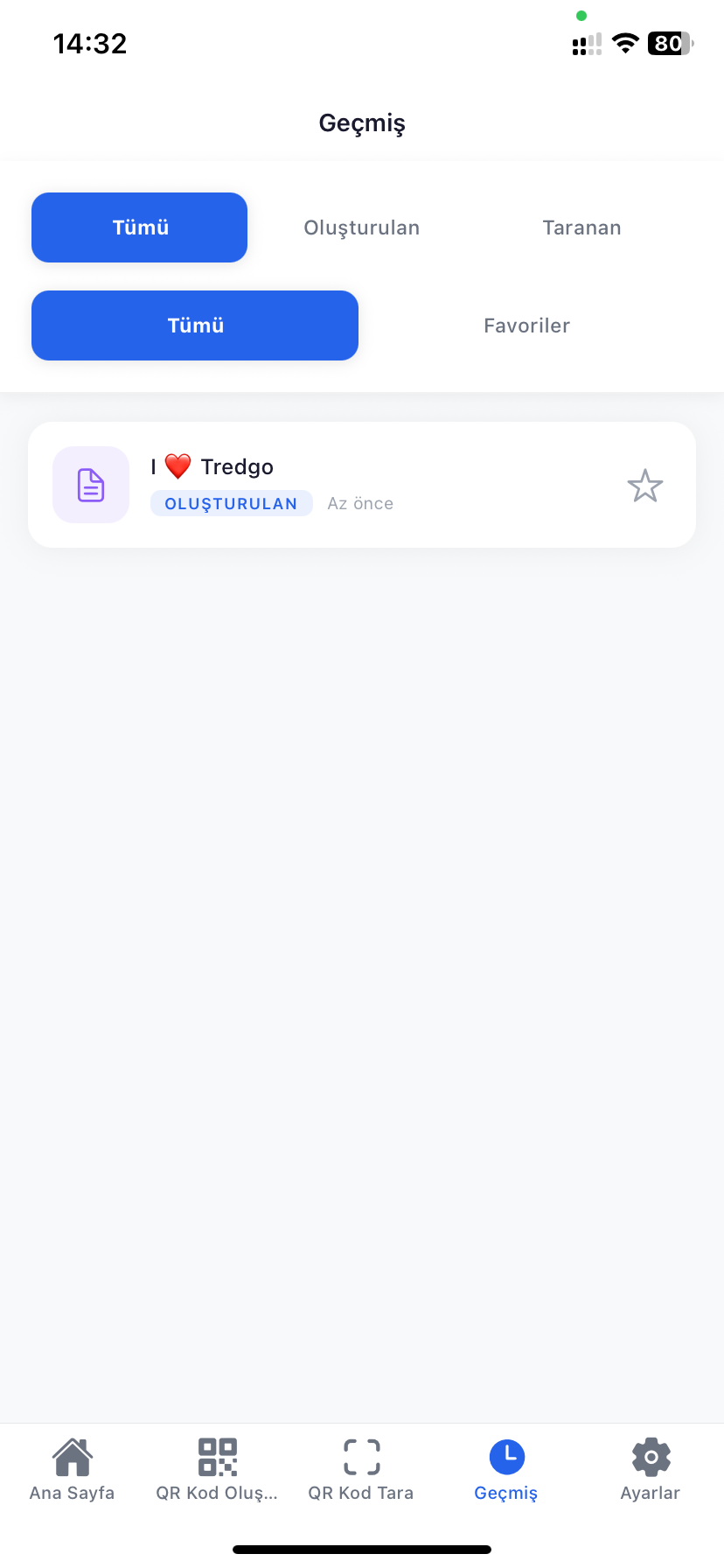
View all your QR and barcode scans in one place, add important scans to favorites, and manage your history anytime.
Offline Capability
Perform core scanning and generation without internet access. Your data remains stored completely locally on your device.
User Friendly & Clean
Simple, modern, and intuitive interface designed for all users for a fast and effortless experience.
Key Highlights
A complete toolkit for all your scanning and code management tasks
How It Works?
Scan and Manage in Three Simple Steps
Scan or Select
Point your camera at a document, QR code, or barcode, or select a saved image from your gallery.
Organize & Verify
Merge pages into a single document, verify scanned link safety, or customize your new QR code.
Save & Share
Copy content, export your QR code as PNG, bookmark key scans to favorites, or share instantly.
App Screenshots
Explore the Interface
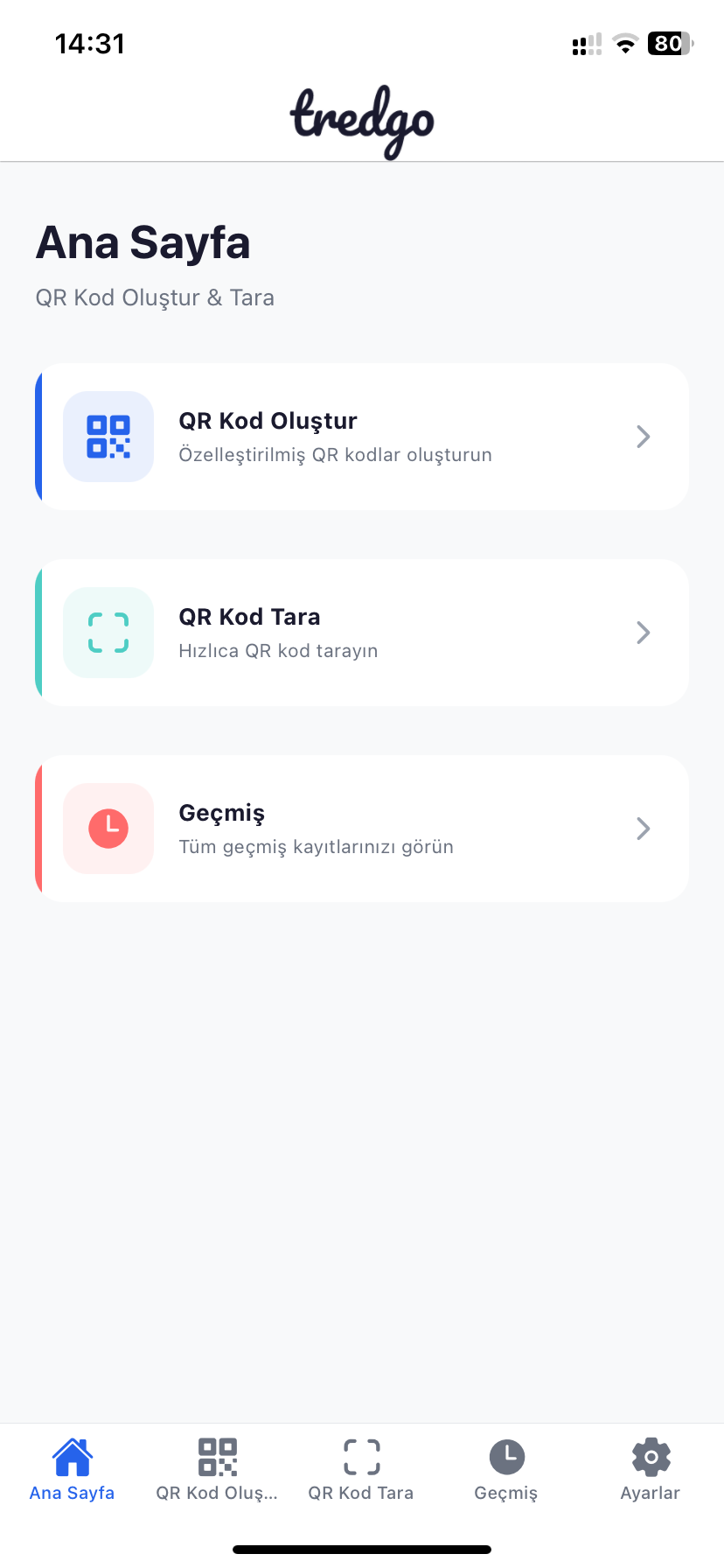
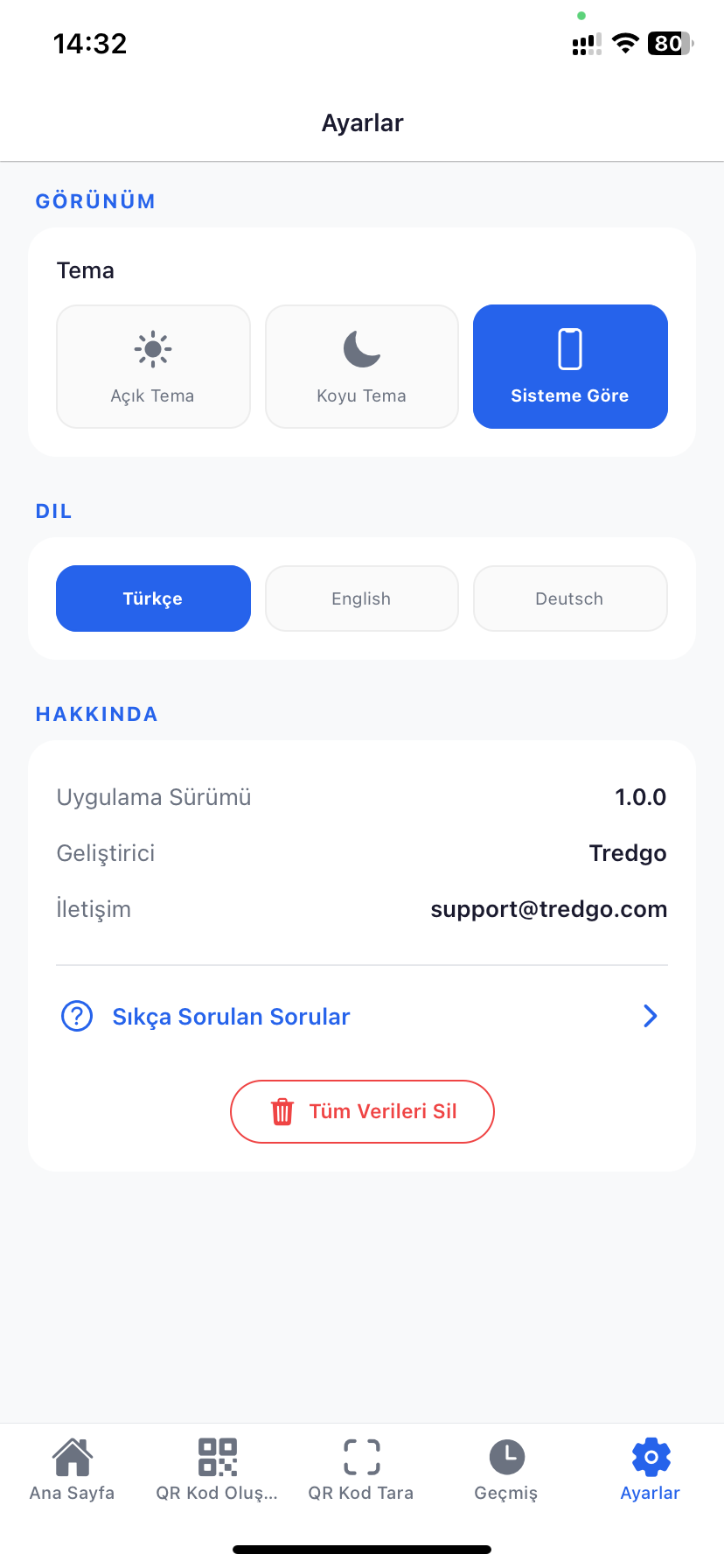
The clean, modern, and multi-purpose interface of Scanly
Frequently Asked Questions
Things you wonder about Scanly
What documents can I scan with Scanly?
Which QR and barcode formats are supported?
Can I scan QR codes from photos in my gallery?
How does safe QR link verification work?
How can I save the QR codes I create?
What is batch barcode scanning?
Is the app free and where is my data stored?
Can I use Scanly offline without an internet connection?
How can I scan in dark or low-light conditions?
Can I edit scanned pages later or add new pages?
How can I manage my scan history and favorites?
What can I customize and use generated QR codes for?
Couldn't Find What You Were Looking For?
If the information wasn't enough, you're experiencing an issue, or have a suggestion for us, please don't hesitate to contact us.
Contact Us